More businesses are building their own tools, often with AI and one capable person on the team. A showroom builds its own quote tracker; a services firm builds a client portal over a few weekends. That is a good start: nobody knows your process better than you, and home-built tools often work well in year one.
The risks show up later, usually when the tool has quietly become essential and the person who built it is on holiday, busy, or moving on.
Signs your tool has become critical
- The business would struggle to work for a day without it.
- One person built it and only that person changes it.
- Customer details live in it, and maybe nowhere else.
- Other tools are fed from it by copying or export.
- It was meant to be temporary.
The six checks
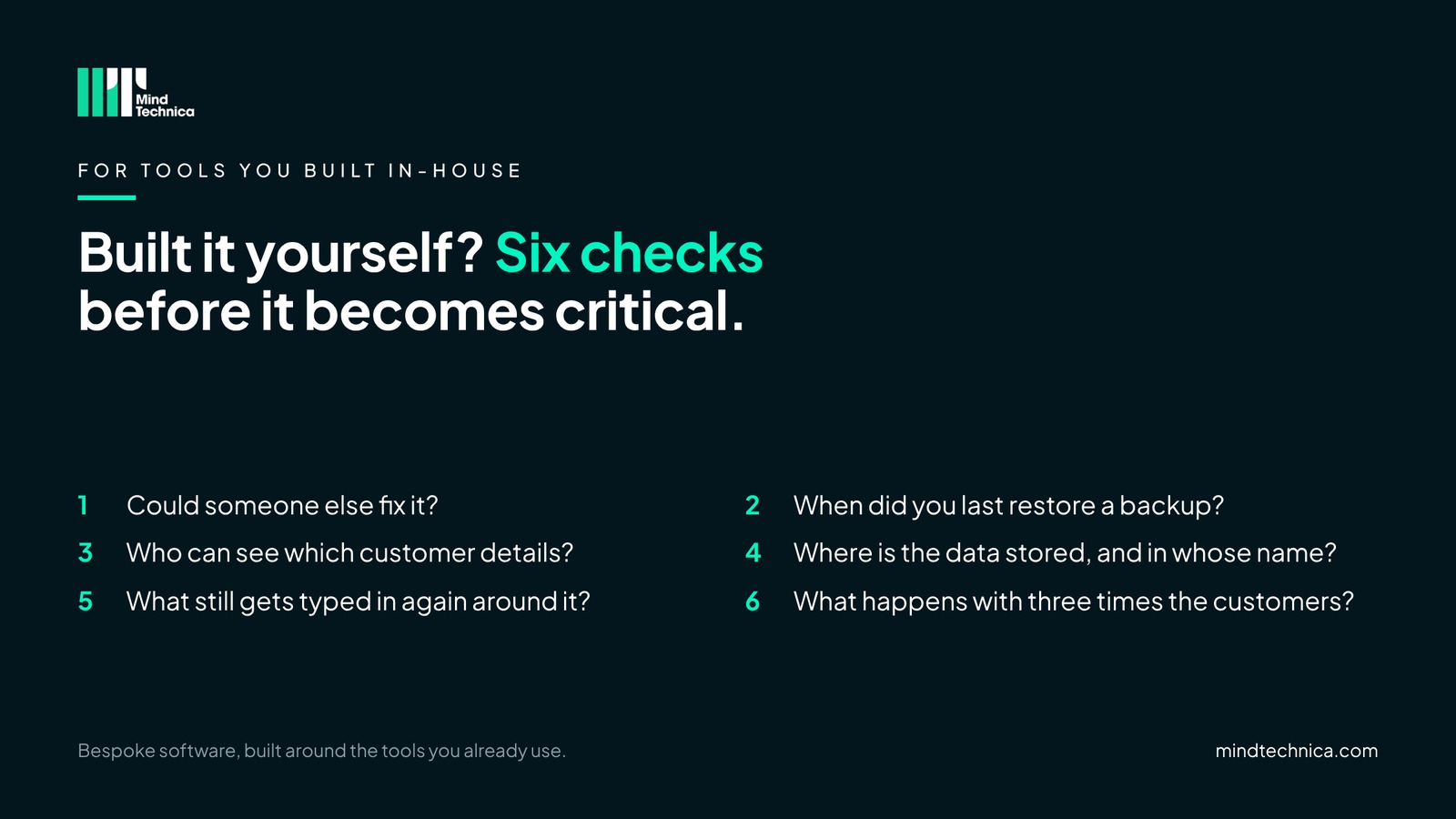
- Could someone else fix it? If the builder was off for a month, could another person find the code, understand it and make a small change?
- When did you last restore a backup? Not just switched on: restored at least once, by someone other than the builder.
- Who can see which customer details? A list of who can see and change what, and a way to remove someone on the day they leave.
- Where is the data stored, and in whose name? The accounts it runs on should belong to the business, not to one person.
- What still gets typed in again around it? If details are copied into it, or out of it into other tools, that is time and errors you can remove.
- What happens with three times the customers? Many home-built tools slow down or break as the business grows.
A worked example
| Check | Yes or no in this example |
|---|---|
| 1. Someone else could fix it | No |
| 2. Backup restored recently | No |
| 3. Access list and leaver process | Yes |
| 4. Data in the company's name | Yes |
| 5. Nothing typed in again around it | No |
| 6. Ready for three times the customers | Not sure |
An example. Three or fewer yeses means it is worth an hour this week.
What it looks like in practice
In a kitchen, bathroom or bedroom showroom
A designer builds a quote tracker in a spreadsheet with a few scripts. It works so well that the whole showroom uses it. Two years later it holds every open quote, and only the designer knows how the price rules work. When they go on holiday in the busy season, nobody can change a price.
In a growing business with several tools
An operations manager builds a client portal with an AI coding tool over a few weekends. Clients love it. It runs on a personal account, the backup has never been tested, and new clients are still typed in from the CRM by hand. None of that is a problem until the day it is.
What to do with the answers
| Your yeses | What it means |
|---|---|
| 6 | In good shape. Re-check once a year, or when the builder changes role. |
| 4 or 5 | Solid, with gaps. Fix the noes this month, starting with checks 1 and 2. |
| 3 or fewer | Worth an hour this week. Checks 1 and 2 protect everything else. |
None of this means starting again. Keep what you built. If all six are in place, you probably don't need outside help, and that is a good result.
Mistakes to avoid
- Assuming backups work. Until one has been restored, nobody knows.
- Keeping it in a personal account. Move it into the company's name now, while it is easy.
- Replacing it because it is home-built. Often it only needs documenting, securing and connecting.
Try this tomorrow
Ask the person who built it to restore yesterday's backup to a test copy. How long it takes, and whether it works, tells you more than any review.
Get the full version, free
Built Your Own Tools? The 6 Checks: the six checks on one page with what good looks like for each, and how to score your yeses. Inside, for example: check 4, "Where is the data stored, and in whose name?", and check 5, the time still spent typing details in again around the tool.
Ask for it through mindtechnica.com and we'll send it the same day. No sales call attached.
Questions people ask
Is it a mistake to build our own CRM?
Not at all. It often fits the way you work better than anything off the shelf. The checks are about making it safe and independent of one person.
Do we need a developer to do these checks?
No. Most take about an hour with the person who built it. A developer helps only if the answers show gaps.
Should we replace it with a commercial CRM?
Only if the checks show it can't be made safe or can't grow with you. Often it is better to document it, secure it and connect it to your other tools.
Related reading
- Buy, connect or build? Three questions to ask first
- Can't we just use ChatGPT? Why AI needs connected data first
- Questions to ask before you pay anyone to connect your tools
Want a second pair of eyes? Book a free 20-minute call at mindtechnica.com. We'll look at what you have with you, and if it already covers all six, we'll tell you.
Bespoke software, built around the tools you already use.