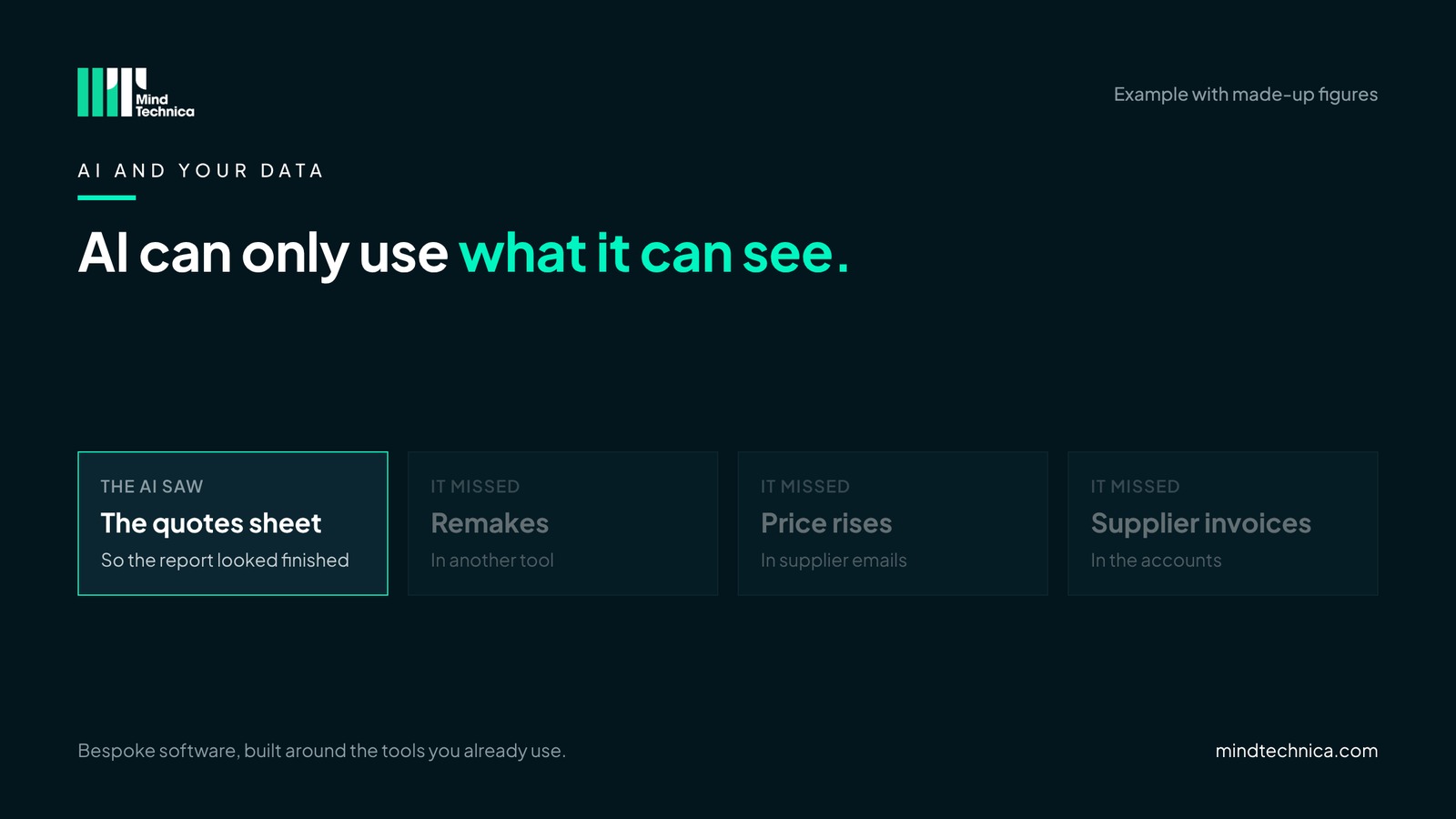
It is a fair question, and we hear it on many calls. Someone uploads the quotes spreadsheet and asks which showroom made the best margin. Thirty seconds later there is a neat report with a chart. It looks finished. It often isn't right.
The same happens in a services firm asking which clients are most profitable, or which projects ran over. The answer arrives fast, sounds confident, and is built on part of the picture.
Signs your AI answers can't be trusted yet
- The information the question needs sits in more than one tool.
- People export a spreadsheet to "give the AI the data".
- Two people asking the same question get different answers.
- Nobody can say what the AI was or wasn't shown.
- Staff use personal AI accounts for work.
A worked example
| What the margin really depends on | Where it lives | Did the AI see it? |
|---|---|---|
| Quoted prices | Quotes spreadsheet | Yes |
| Remakes and second visits | Job notes, another tool | No |
| Price rises between quote and order | Supplier emails | No |
| Supplier invoices | Accounts system | No |
Example with made-up figures. The report showed the best margin at the showroom with the most remakes.
What it looks like in practice
In a kitchen, bathroom or bedroom showroom
The question is which showroom made the best margin last quarter. The answer depends on remakes, worktop price changes between quote and order, and supplier invoices. If the AI only sees the quotes, the showroom with the most remakes can look like the best performer.
In a growing business with several tools
The question is which clients are most profitable. The answer depends on hours logged in the project tool, invoices in the accounts, and support tickets in the helpdesk. If the AI only sees the CRM, the clients who generate the most support work can look like the best ones.
AI can only use what it can see
The problem isn't the AI. It is that the information is in separate places, and the AI answered from the one it was given. Connecting the tools first is what turns AI from a confident guess into a useful answer.
Connect first, then AI
Once your tools share information, AI becomes genuinely useful: drafting a follow-up from the real quote for a person to check and send, reading supplier price lists from PDFs for someone to confirm, or answering a margin question from the whole picture rather than one spreadsheet.
Meanwhile, your team is probably already using AI
Often on personal accounts, with customer details pasted in to save time. Nobody means any harm, and it usually works. But it puts company information somewhere the company doesn't control. Three simple rules help:
- Use a business AI account, not personal ones. By default the provider does not train on your data, and you control who has access.
- Agree what can and can't be pasted in, on one page everyone can read.
- When AI is connected to your tools, check it only sees what each person is allowed to see. Ask the same question as a designer and as the office manager: the answers should differ.
Mistakes to avoid
- Banning AI outright. People use it anyway, on their phones.
- Trusting a report because it looks finished. Ask what it was shown.
- Pasting customer details into personal accounts. A business account costs little and removes the risk.
Try this tomorrow
Ask your team, kindly, which AI tools they use and on whose account. The answers tell you whether you need a one-page rule this month.
Get the full version, free
How We Use AI at Work: a one-page rule template you can adapt, plus a checklist for the MD and three questions that show whether your tools are AI-ready. Inside, for example: what can and can't be pasted in, the six things to set up before rollout (business account, training off, data processing agreement and more), and "Can the AI see everything a question needs?"
Ask for it through mindtechnica.com and we'll send it the same day. No sales call attached. Have your data-protection adviser review it before you roll it out.
Questions people ask
Is it safe to use ChatGPT with customer data?
Use a business account rather than a personal one: by default the provider does not train on your data, and you control access. Check your privacy notice and supplier agreements too.
What can AI do well before our tools are connected?
Writing and summarising: drafting emails, tidying notes, explaining a document. Questions that need figures from several tools are where it goes wrong.
Do we need an AI policy?
A one-page rule is usually enough to start: which account to use, what not to paste in, and who to ask. It protects the business and gives the team permission to use AI well.
Related reading
- Built your own CRM with AI? Six checks before it's critical
- Why your reports don't agree (it isn't a reporting problem)
- How to stop kitchen quotes going cold
Want a second pair of eyes? Book a free 20-minute call at mindtechnica.com. We'll look at where your team types the most, and if a ready-made tool or the software you already have can do the job, we'll tell you.
Bespoke software, built around the tools you already use.