The management meeting has heard it again. The CRM doesn't talk to the accounts. The quoting tool doesn't know about the fitting diary. Someone says, "Let's just replace it." Someone else says, "We could have something built." Both sound decisive. Both can cost a year.
Many growing businesses hit this wall, whether they sell kitchens or services. Before anyone spends money, three questions will usually tell you which way to go.
Signs you're at this point
- A tool is fine at its main job, but people copy its information into another tool by hand.
- Someone has started a spreadsheet to "bridge" two systems.
- A replacement is being discussed because of one missing feature.
- You've been quoted for custom software without anyone asking what your current tools can do.
The three questions
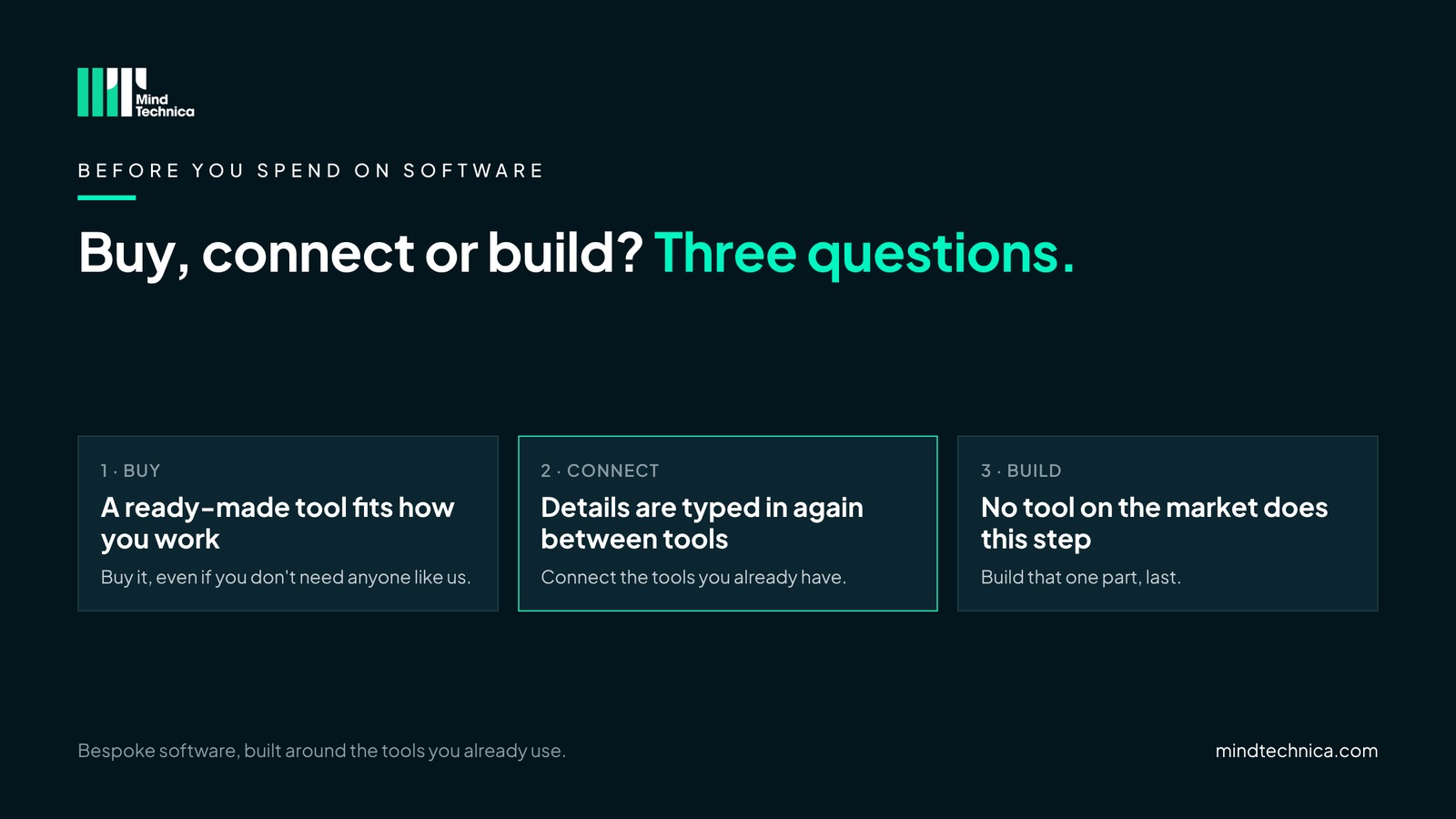
1. Does a ready-made tool already match how you work?
If there is a product on the market that fits the way you sell and deliver, buy it. It will usually cost less than anything built for you, and it keeps improving without you paying for it. This is the honest first answer, and it is right more often than people expect.
2. Are details still typed in again between your tools?
If the tools are fine on their own but people copy details from one to the next, the answer is not another tool. It is to connect the ones you have, so information is entered once and reaches everywhere it is needed. Your team keeps the tools they know.
3. Is there a step no tool on the market does?
Sometimes the way you work really is different: a pricing rule, a booking sequence, a handover no product handles. Only then is it worth building, and only that one part, bespoke, around the tools you keep. Building comes last, not first, and when it is the right answer, it is the work we do best.
A worked example
A showroom group finds its designers retype every accepted quote into the supplier ordering portal and then into the accounts. The suggestion on the table is a new all-in-one system. Running the three questions:
| Question | Answer in this example | Result |
|---|---|---|
| Does a ready-made tool match how they work? | The design software and accounts work well; nothing on the market does both their way | Keep both |
| Is anything typed in again? | Yes: every accepted quote, twice | Connect them |
| Is there a step no tool does? | Yes: their own rule for holding worktop prices | Build that one part |
An example, not a client. The answer is often "connect", with a small build at the edge.
What it looks like in practice
In a kitchen, bathroom or bedroom showroom
The design software is excellent at design, and the accounts system is fine for accounts. The pain is the accepted quote typed into the supplier portal and the accounts by hand. Replacing either tool rarely helps; connecting them usually does, and the designers keep the software they know.
In a growing business with several tools
The CRM works, the project tool works, and the finance team trusts its accounts. What doesn't work is the handover: every won deal is set up again in the project tool. A new all-in-one platform would mean everyone learning something new to fix one gap. Connecting the CRM to the project tool fixes that gap and leaves everything else alone.
How to tell whether two tools can be connected
It comes down to how each tool lets information in and out. You can usually find out from its help pages, or by asking the supplier.
| If the tool… | What usually works |
|---|---|
| has an API, a door that lets software share data with other tools | Connect it. Both tools stay, and details flow across on their own. |
| can only export files, such as a spreadsheet | A scheduled sync, several times a day. |
| only produces PDFs | Read them automatically, then a person checks them. |
| is closed: no API, no export | Replace it, or build that part. Usually the only case where switching is the better answer. |
Mistakes to avoid
- Replacing a tool for one missing feature. The new one often has the same gap with the next tool.
- Building first. Custom software for something a product already does is money you don't get back.
- Deciding without the people who use the tools. They know where the copying happens.
Try this tomorrow
Pick the handover where your team types the most. Write down the tool on each side, and check whether each one has an API or an export. That one answer tells you whether to buy, connect or build.
Get the full version, free
Buy, Connect or Build?: the three questions on one page, the connection table, and what to check before you replace anything. Inside, for example: the four ways a tool can let information in and out, and what each means for cost and risk.
Ask for it through mindtechnica.com, or run the free 3-minute tool check on the two tools on either side of your worst handover.
Questions people ask
Is building our own software ever the right first step?
Rarely. If a ready-made tool fits, buying is cheaper and keeps improving. Building makes sense for the one step nothing on the market does, and works best around the tools you keep.
What if our main software has no API?
Check whether it can export files on a schedule. If it can, a regular sync often works. If it is closed completely, that is usually the one case where replacing it is worth it.
Will connecting our tools mean the team has to learn something new?
Usually not. The point is that people keep working where they already do, and the copying happens on its own.
Related reading
- Questions to ask before you pay anyone to connect your tools
- Built your own CRM with AI? Six checks before it's critical
- What does typing it in again cost? A simple sum
Want a second pair of eyes? Book a free 20-minute call at mindtechnica.com. We'll look at where your team types the most, and if a ready-made tool or the software you already have can do the job, we'll tell you.
Bespoke software, built around the tools you already use.